Faster client approvals
Faster client approvals
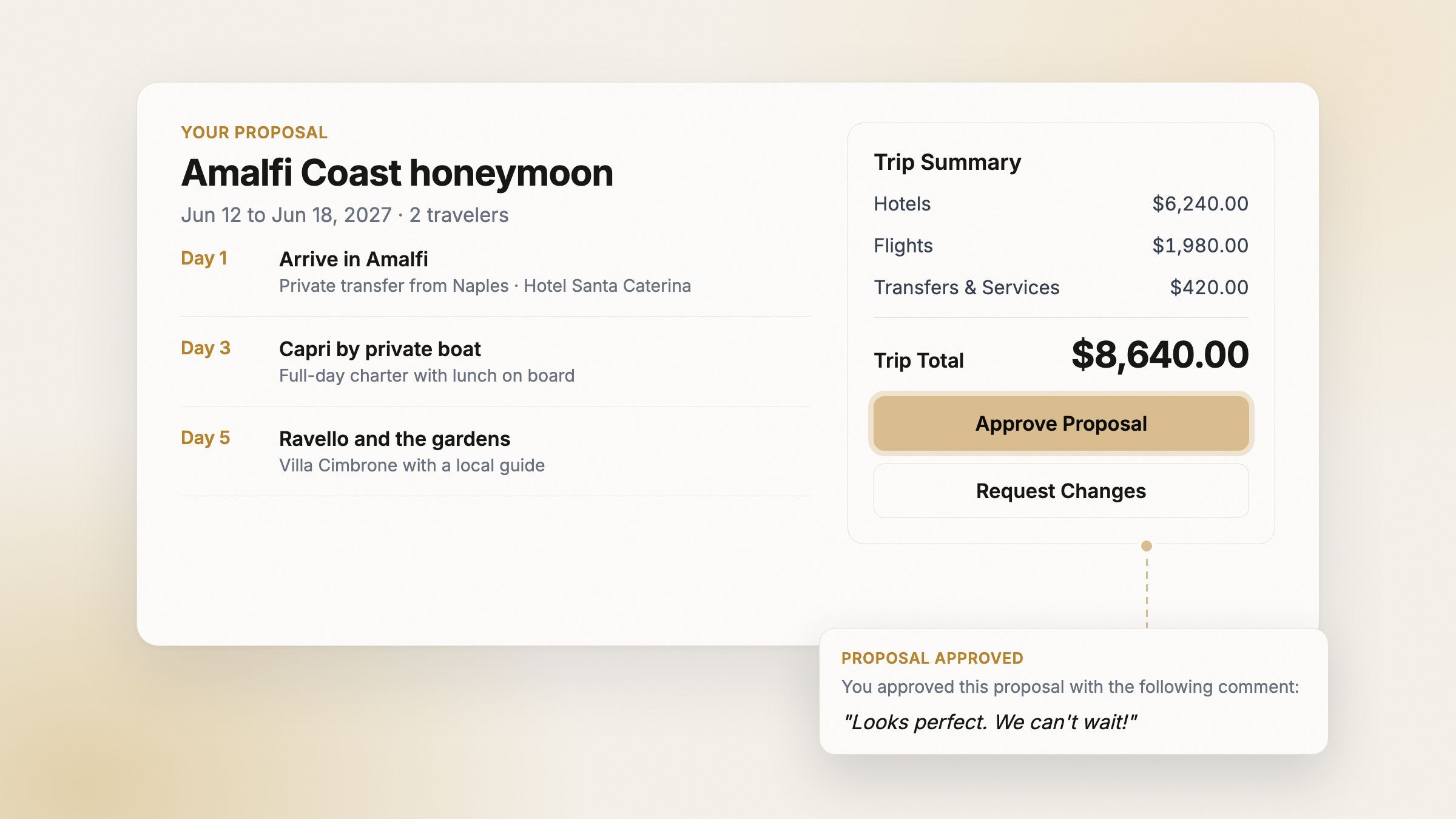
The itinerary links you send clients now open a read-only proposal. They can approve or reject it without signing in, and you can revoke a link at any time.
Also new
- Trips: Add and remove travelers on an existing trip from the trip workspace.
- Tools: The Tools hub has a Free tools section that links to our six free advisor tools.
Also improved
- Itineraries: Days follow your trip's planned dates. An outside booking's dates start on the trip's first day, and we warn you if they fall outside the trip.
- Smart Pages: Changes you publish show on your live page within seconds.
- Commissions: A commission held because a booking was cancelled reads "Refund in progress", and counts in your commission summary, list and exports.
- Billing: If your billing isn't set up, you can set it up yourself or contact support instead of hitting "Payment Setup Required".
- Sign-in: If a new password is refused during a password reset, we tell you why.
- Support: Support in the app always opens our help chat.
Fixes
- Itineraries: Booked items show on their itinerary days, and a hotel appears on its own day, including on the trip's first day.
- Itineraries: Dates in your clients' portal itinerary and on hotel stays show the day you picked, whatever your time zone.
- Outside bookings: An outside flight shows the airports you typed, and one logged without airports no longer shows a random city.
- Sign-in: Signing up recognizes an email that's already registered, even with different capital letters.
Privacy policy update
We updated our Privacy Policy on November 17, 2026. It now describes how we use Mixpanel, a product analytics service. We use it to understand how advisors use Voyagr so we can improve it.
- Mixpanel receives your account details (user ID, email, role and organization) and your answers to the signup questions. It also receives your plan and the actions you take in the app.
- It never receives traveler data, card details, calendar data, your IP address or your location.
- We send this data from our own servers, so Mixpanel sets no cookies in your browser.
- You can object at any time by contacting us, and we delete your Mixpanel data when you close your account.
See section 7.6 of the Privacy Policy for the full details. The Cookie Policy covers the signup items we store in your browser.