Scheduling is here, plus what's new at a glance
Let clients book calls with you
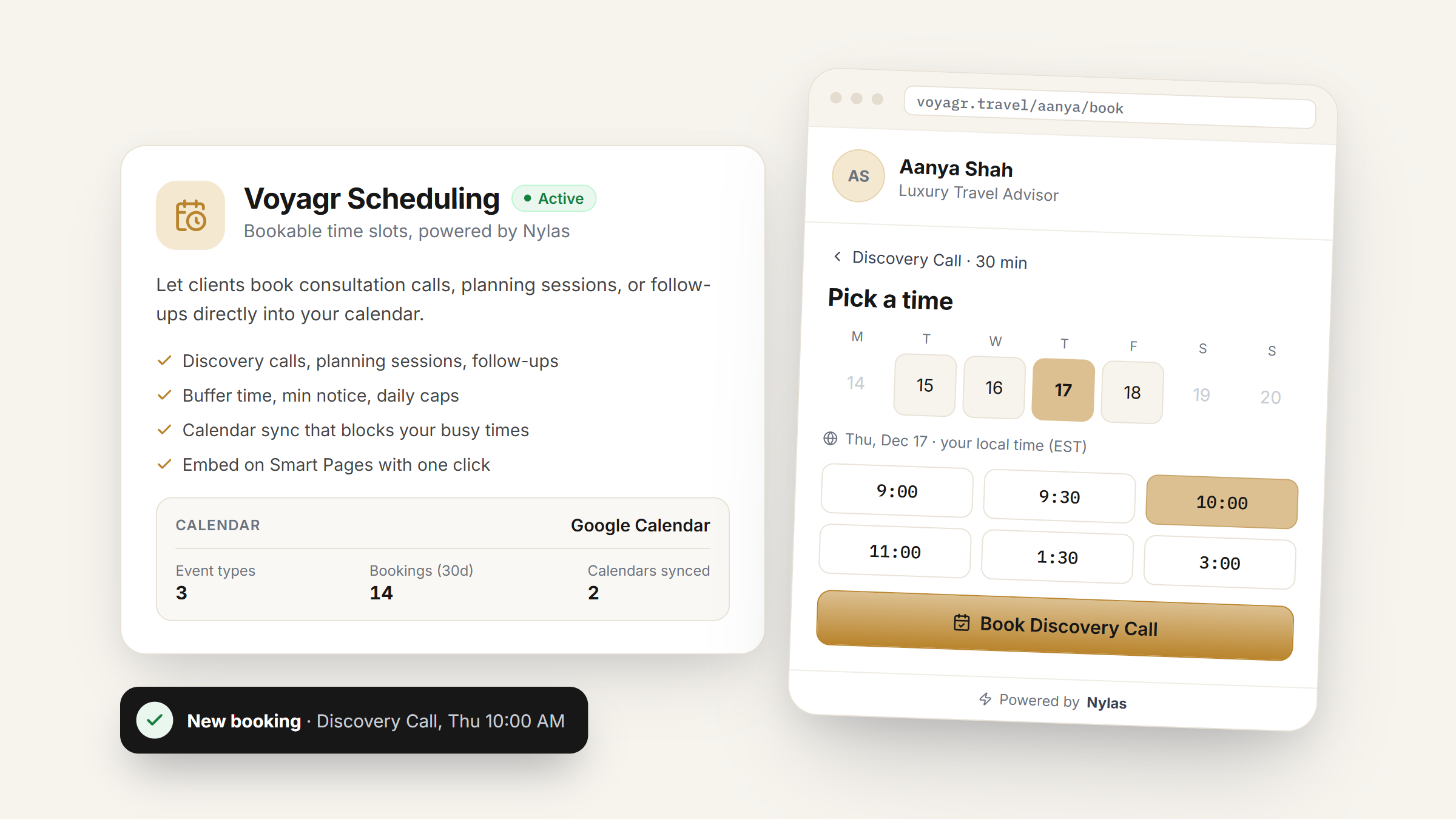
Scheduling is now open to everyone. Connect your Google or iCloud calendar, then create event types like a 30-minute intro or a 60-minute trip planning call. Clients book from the Book a call button on your Smart Page, and every booking lands in your Calendar tab.
Share a booking link for any event type
Each event type now has its own booking page. Click Copy link on its row to send it to a client by email or text. Pick Google Meet as the location and every booking gets its own Meet link.
See what's new at a glance
A dot on the megaphone at the top of the app tells you when there's a new update. Open it to read what changed, and the dot clears. Announcements from us also show as soon as you sign in.
Also new
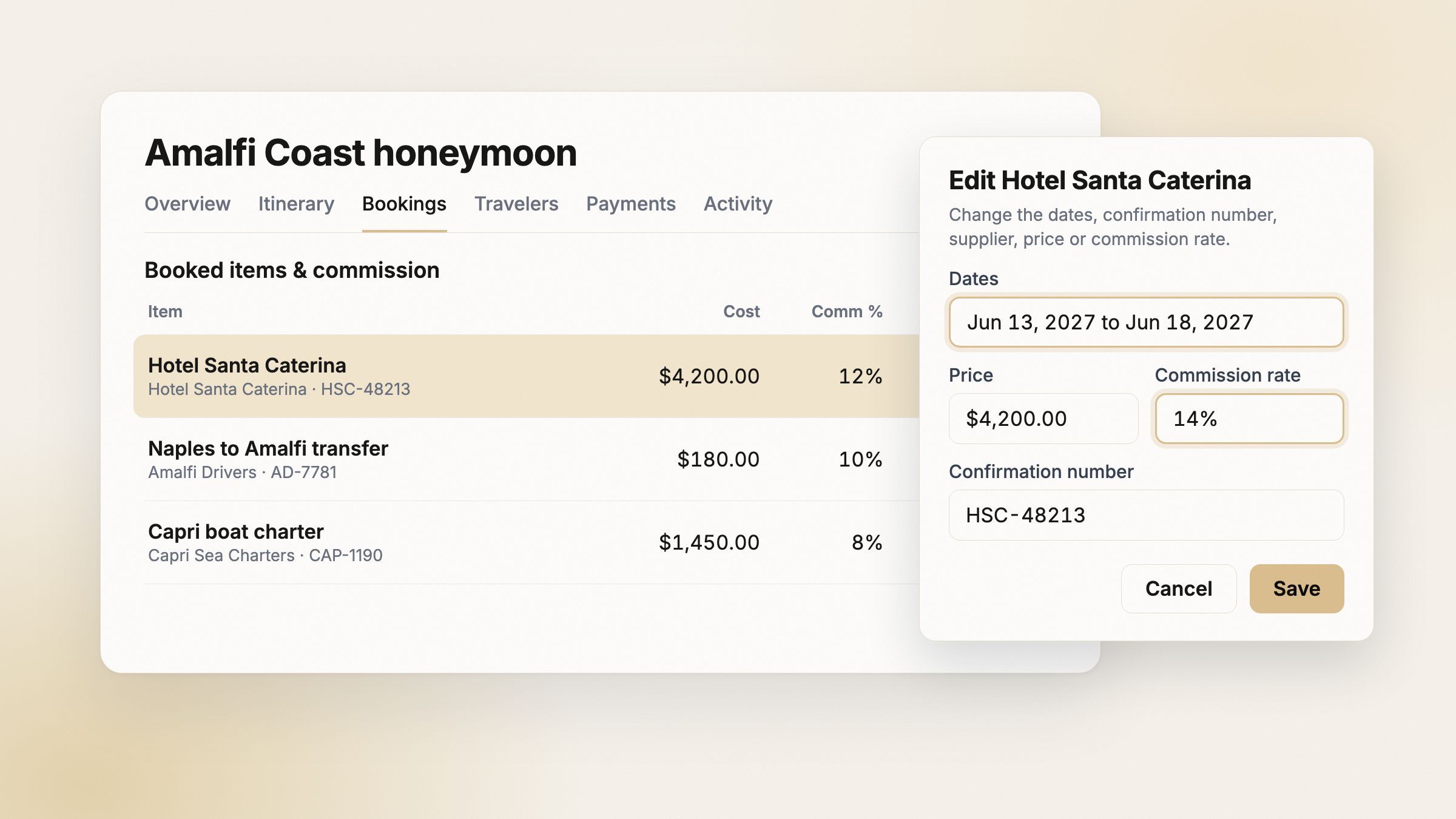
Trips: Rename a trip or change its planned dates from the More menu in the trip workspace.
Also improved
Subscription: Settings, Subscription shows the price and billing period you actually pay, marked as a locked rate if you kept an older price.
Security: Removing a two-step verification method now emails you a security notice.
Sign-in: When you sign in, your commissions and cart always load fresh for your own account.
Fixes
Email: Booking confirmation emails, and invoice emails sent from Free accounts, now go out. Before, some never sent.